

Muslima: Secure Muslim Matrimonial Platform
Overview
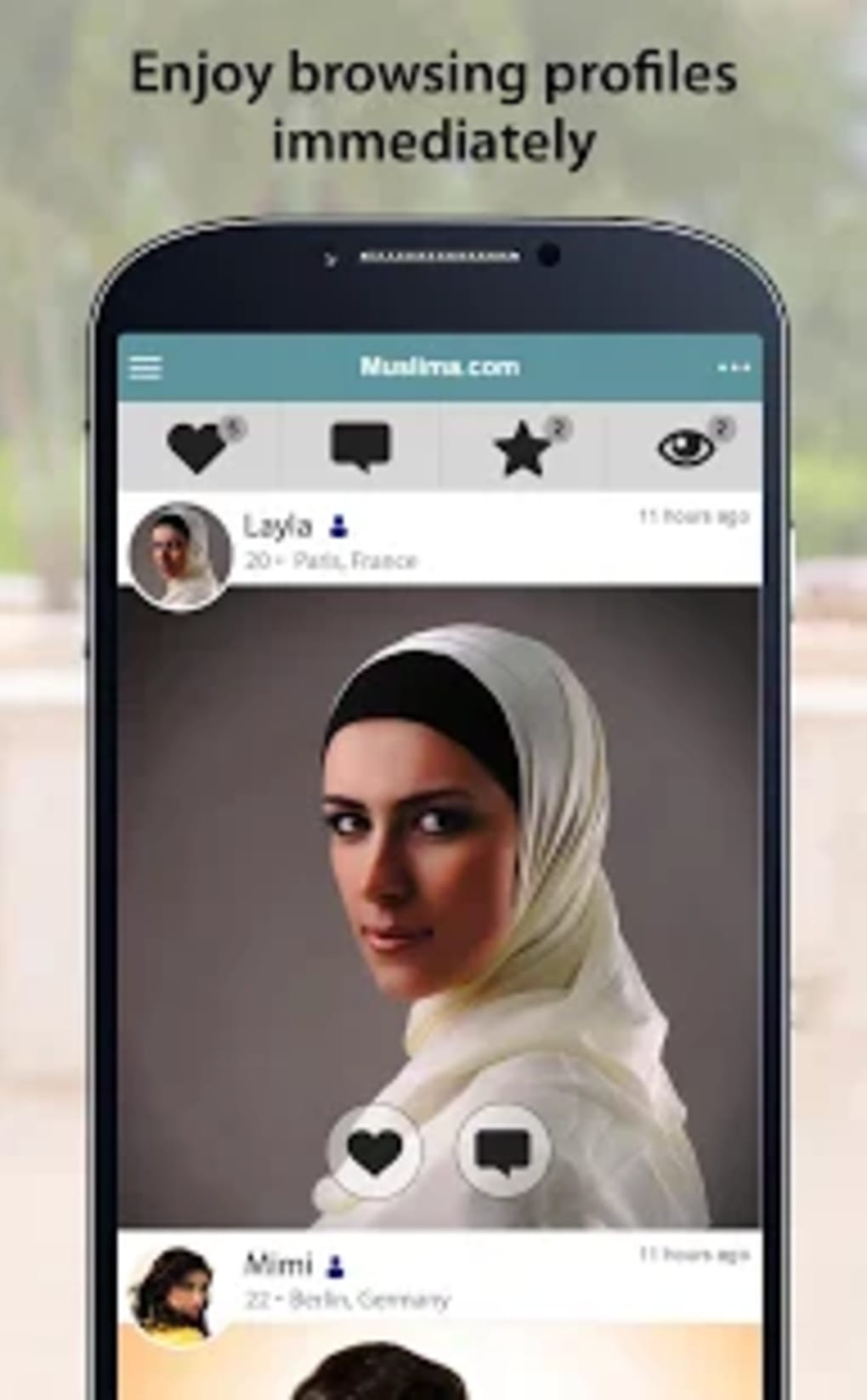
Muslima is a dedicated matrimonial platform designed to connect single Muslim men and women globally. The software serves as a digital space for individuals seeking serious, faith-based relationships rooted in shared Islamic values. It caters to young Muslims across diverse cultural backgrounds, including Arab, Bangladeshi, Pakistani, Nigerian, Somali, and Turkish communities, offering a structured environment to find a compatible life partner. The platform emphasizes meaningful connections over casual encounters, making it ideal for those looking to move beyond traditional matchmaking methods like biodata papers or family pressure.
As part of the well-established Cupid Media network, which operates over 30 reputable niche dating platforms, Muslima benefits from a proven infrastructure focused on user safety and privacy. The software is accessible worldwide, with active presence in the United Kingdom, the United States, Canada, France, Indonesia, Malaysia, Turkey, and numerous other countries. Users can create profiles, search based on shared preferences such as race, faith, sect, and relationship goals, and initiate communication within a secure digital space.
The developer did not provide additional details about the company’s background beyond its affiliation with Cupid Media. Real-world usage scenarios include individuals seeking partners locally or internationally, those who prefer privacy in their search, and users who wish to take full control of their romantic journey without external influence. The platform supports both personal and cultural alignment, helping users build relationships grounded in mutual values.
Key Features & Capabilities
- Profile Creation & Customization – Users can build detailed profiles highlighting personal values, religious practices, educational background, profession, and relationship intentions.
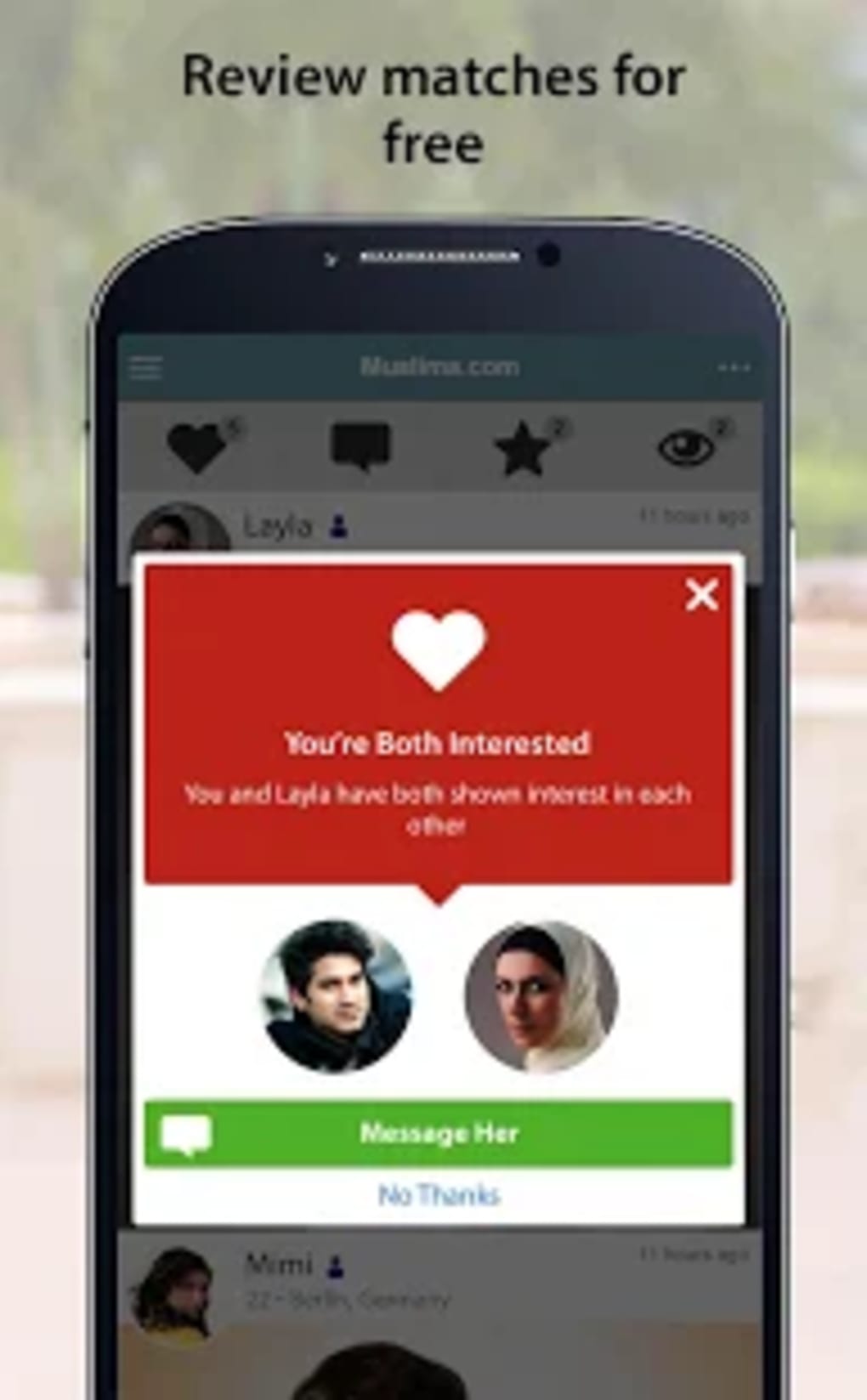
- Advanced Matching Filters – Search based on race, faith, sect, location, age, and other preferences to narrow down potential matches.
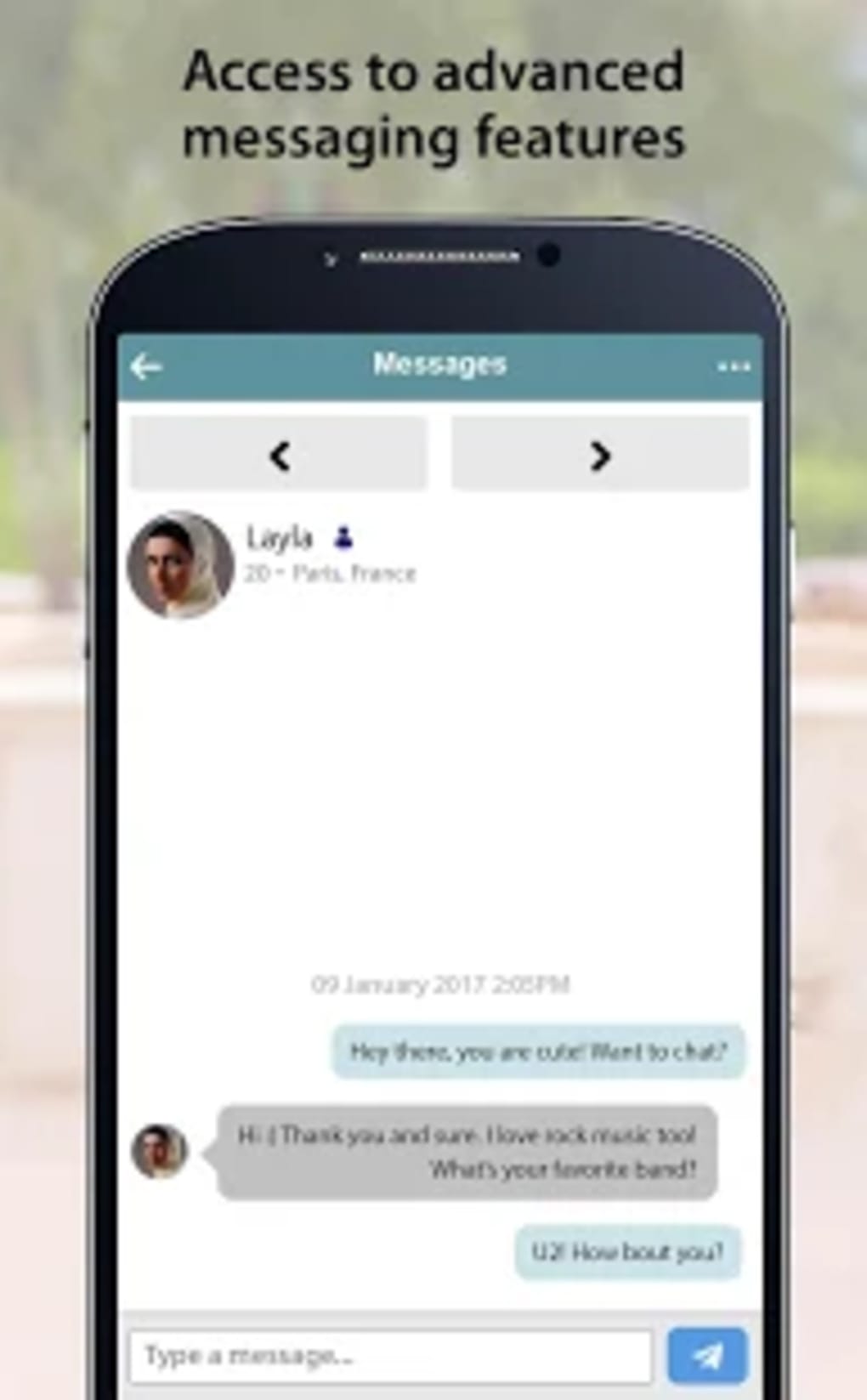
- Secure Messaging System – A built-in communication tool allows users to exchange messages while maintaining privacy and control over contact sharing.
- Global Accessibility – Available on Windows, Mac, iOS, and Android, enabling access from various devices and regions.
- Privacy-First Design – Users can manage visibility and contact information, ensuring they remain in control of their personal data.
These features support real-life use cases such as connecting with someone from a different country who shares similar religious beliefs, filtering out incompatible profiles early in the process, and communicating safely without revealing personal details upfront. The software streamlines the search for a life partner by combining cultural sensitivity with modern digital tools, making it a practical solution for serious Muslim singles.
User Interface, Workflow & Performance
The user interface is designed for intuitive navigation, allowing users to access core functions—profile creation, searching, messaging, and settings—through a clean and organized layout. Menus are logically structured, and common actions are accessible within a few clicks, reducing friction during onboarding and daily use.
Workflow efficiency is supported by a step-by-step process for profile setup and matching. Users can update preferences, filter results, and initiate conversations without complex procedures. The platform maintains a consistent experience across Windows, Mac, iOS, and Android, though specific UI differences between platforms were not detailed.
Performance observations are based on general software behavior patterns. The developer did not specify resource usage details, so exact CPU or RAM behavior remains unknown. Stability is assumed to be maintained through integration with the Cupid Media network, which manages multiple high-traffic platforms. No reports of crashes or lag were noted in the provided information.
Compatibility & System Requirements
Muslima is compatible with Windows, Mac, iOS, and Android operating systems. The software version is 3.4.1, with a file size of 100 MB, indicating a lightweight installation suitable for most modern devices. The developer did not specify exact system requirements, such as minimum RAM, processor speed, or storage space.
Compatibility information was partially provided. While the supported platforms are clearly listed, details about hardware specifications or OS version thresholds (e.g., Windows 10 or later) were not included. Users are advised to ensure their device meets standard requirements for running modern desktop and mobile applications. The software is designed for global deployment, supporting users in over 100 countries, including the UK, US, Canada, France, Indonesia, Malaysia, and Turkey.
Pros and Cons
Pros
- Designed specifically for Muslim singles seeking serious, faith-based relationships
- Part of the trusted Cupid Media network with a history of managing reputable dating platforms
- Privacy-focused features allow users to control contact sharing and visibility
- Available on multiple platforms: Windows, Mac, iOS, and Android
- Free to use with no cost barriers to entry
Cons
- Exact system requirements were not listed, which may affect installation on older devices
- Performance metrics such as CPU or RAM usage were not provided
- Limited information on update frequency and maintenance schedule
- No details on whether the software supports offline functionality
- Developer background beyond Cupid Media was not disclosed
FAQ Section
Is Muslima available for free?
Yes, Muslima is completely free to download and use. There are no subscription fees or hidden costs associated with accessing core features.
Can I use Muslima on both desktop and mobile devices?
Yes, the software is accessible on Windows, Mac, iOS, and Android platforms, allowing users to switch between devices seamlessly.
Is my personal information secure on Muslima?
Muslima is designed with privacy in mind. Users can manage their visibility and control who can contact them. As part of the Cupid Media network, the platform follows established security practices to protect user data.
How often are updates released?
The latest version is 3.4.1, released on August 15, 2023. However, the developer did not specify the update frequency or release schedule.
Do I need an internet connection to use Muslima?
Yes, Muslima requires an active internet connection to access profiles, send messages, and use all features. The software does not support full offline functionality.
Final Thoughts
Muslima stands out as a purpose-built platform for Muslim singles seeking meaningful, faith-aligned relationships. Its integration with the established Cupid Media network adds credibility, while its focus on privacy, cultural alignment, and ease of use makes it a reliable choice for those navigating the modern dating landscape. The free access model lowers barriers to entry, and the multi-platform availability ensures broad reach.
While some technical details such as system requirements and performance metrics are not disclosed, the platform’s structure and functionality appear well-suited for its intended audience. Serious users who value moral compatibility, cultural connection, and digital safety will find Muslima to be a valuable tool in their journey toward marriage.
Download Muslima now to begin your search for a life partner in a secure, respectful, and values-driven environment.





.png)

